Submitting Your Design for Print
This section is designed to assist you with artwork preparation to meet deadlines, stay within budget and produce the highest quality product.
Before You Begin Your Job
Determine budget and goals. Contact Customer Service to assist you with planning at 863-2258.
Knowing your budget prior to the design stage will help tailor the design.
Get an estimate from Customer Service. Once you've determined page count, quantity, color configuration, size, etc. Customer Service will supply you with a print estimate. This will outline job specifications and production costs.
Provide adequate lead time and plan ahead. Plan your project and timeline. Situations with tight deadlines may lead to increased costs and compromised quality by rushing a piece through the production stage. To avoid rush charges, quality compromise or missed deadlines.
Keys to Submitting Files
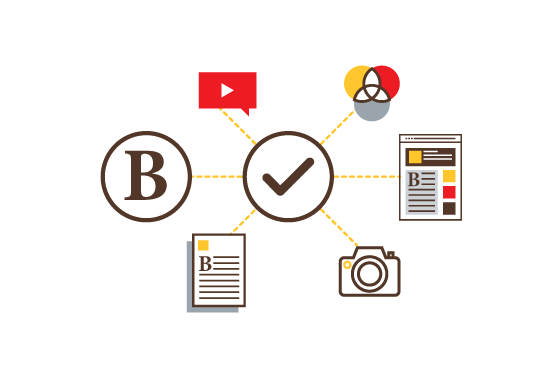
- Follow our prepress checklist.
- Use supported software.
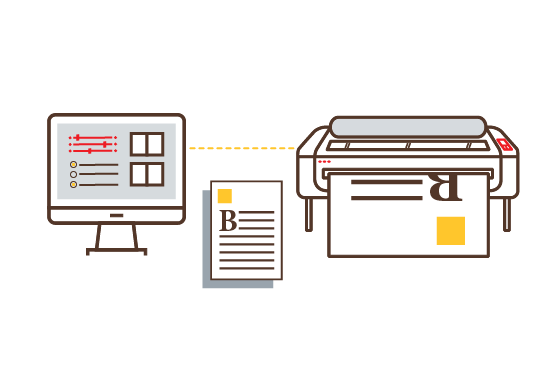
- Supply a hard copy of your piece: without it, we won't
know what your file looks like.
And remember, if you can't print your file, neither can we.
- Use the right color space: RGB is for TV & Computer
Screens, not for print. Use CMYK for full-color and PMS (Pantone Matching
System) for spot color.
- Provide external links in the correct format: Jpeg & Gif
are for web, EPS and TIFF are for print.
- Provide linked images at the correct resolution: 72 dpi
for the web, 300 dpi (or higher) for print.
- Embedded or missing links: assure all graphic images used
in layouts are provided with your packaged file linked and
not embedded into the document.
- Ask questions: we're happy to help.
- See the Do's and Don'ts section.